6 minutes
Hubstaff Silent App Add-on
Silent App Deployment Center
For a complete deployment hub including guides, troubleshooting, and advanced configuration, visit the Silent App Deployment Center.
For a complete deployment hub including guides, troubleshooting, and advanced configuration, visit the Silent App Deployment Center.
The Hubstaff Silent App add-on enables organizations to track team productivity in the background on company-managed or owned devices—without needing to upgrade to the Enterprise plan.
- Who can access this feature: Organization Owners, Organization Managers, and Users with the Manage IT custom permission assigned to their account.
- To assign the Manage IT permission at the member level, go to People > Members > Click the user’s name > Role > Permissions > Manage IT toggle. For more information, see the Roles and Permissions guide.
- This is available as a paid add-on on the Teams plan and is free on the Enterprise plan. See our pricing page for details.
Adding the Hubstaff Silent App Add-on
With the Hubstaff Silent App Add-on, you’ll have access to our silent app features below:
- Auto start/stop time tracking for company devices – allows Silent App customers to automatically track time either based on schedules or activity.
- Account provisioning – lets customers create single or bulk user accounts and set passwords. MDM or mass deployment is only available on Enterprise plans.
- Ignored Usernames — Define OS username patterns to prevent IT admin and service accounts from being auto-provisioned as Hubstaff members.
- Download the Silent App Client – installing the Silent App app lets you automatically start/stop user activity tracking.
How to sign up for the Silent App add-on
Step 1
First, navigate to Settings > Billing.

Step 2
Next, look for the Silent app add-on option and click on Try it for free. This will give you a 14- day trial of the add-on, and when the trial period ends, you will begin to be billed.
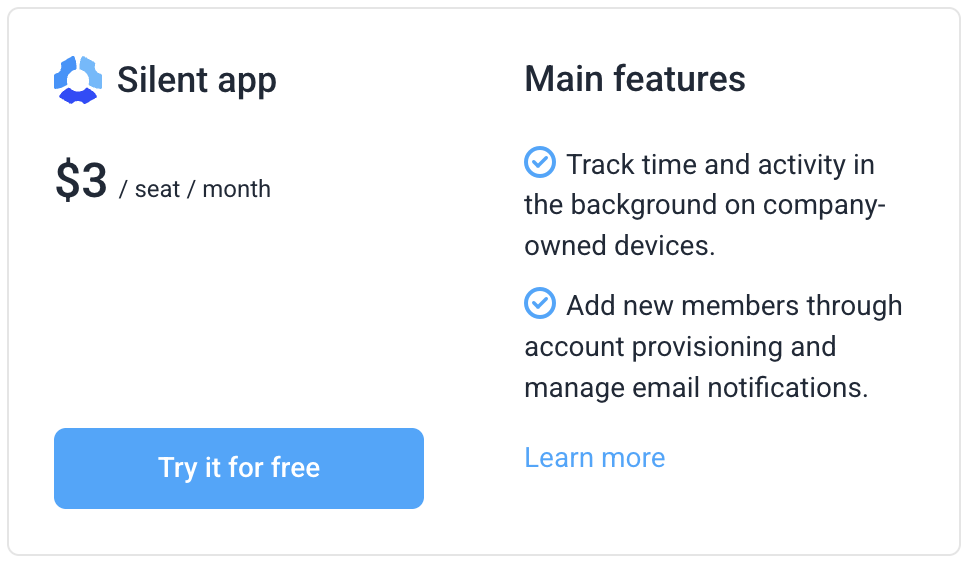
You’ll also get a notification that the add-on has been successfully added to your plan.
Removing the add-on
Step 1
First, navigate to Settings > Billing.
Step 2
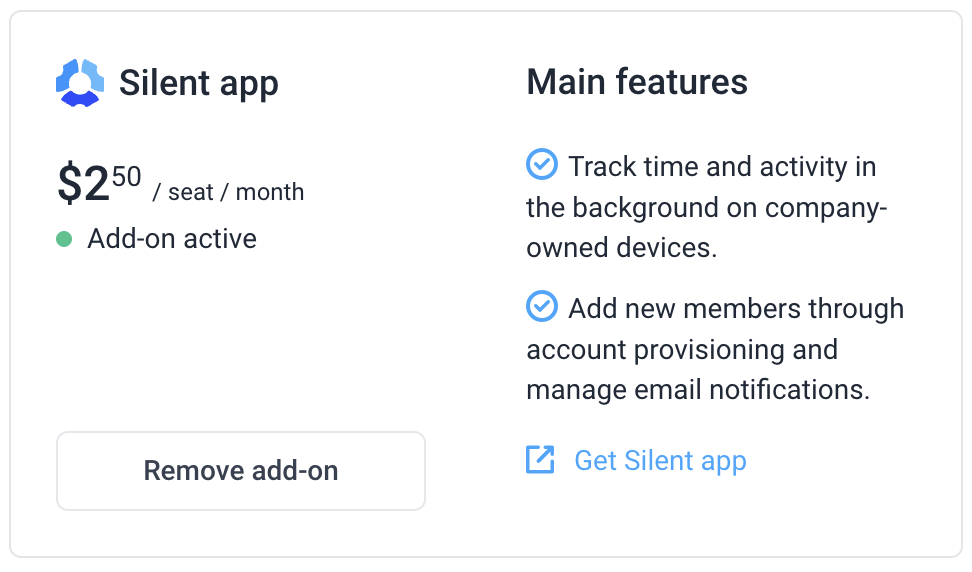
Click on Remove add-on under the Silent app section.