3 minutes
Export and Use the Insights Performance Report
The Insights Performance Report provides a single-glance dashboard of team productivity, measuring exactly how time is utilized compared to your set targets. It includes widgets for the metrics you want to review, such as utilization, activity levels, benchmarks, and work time classification.
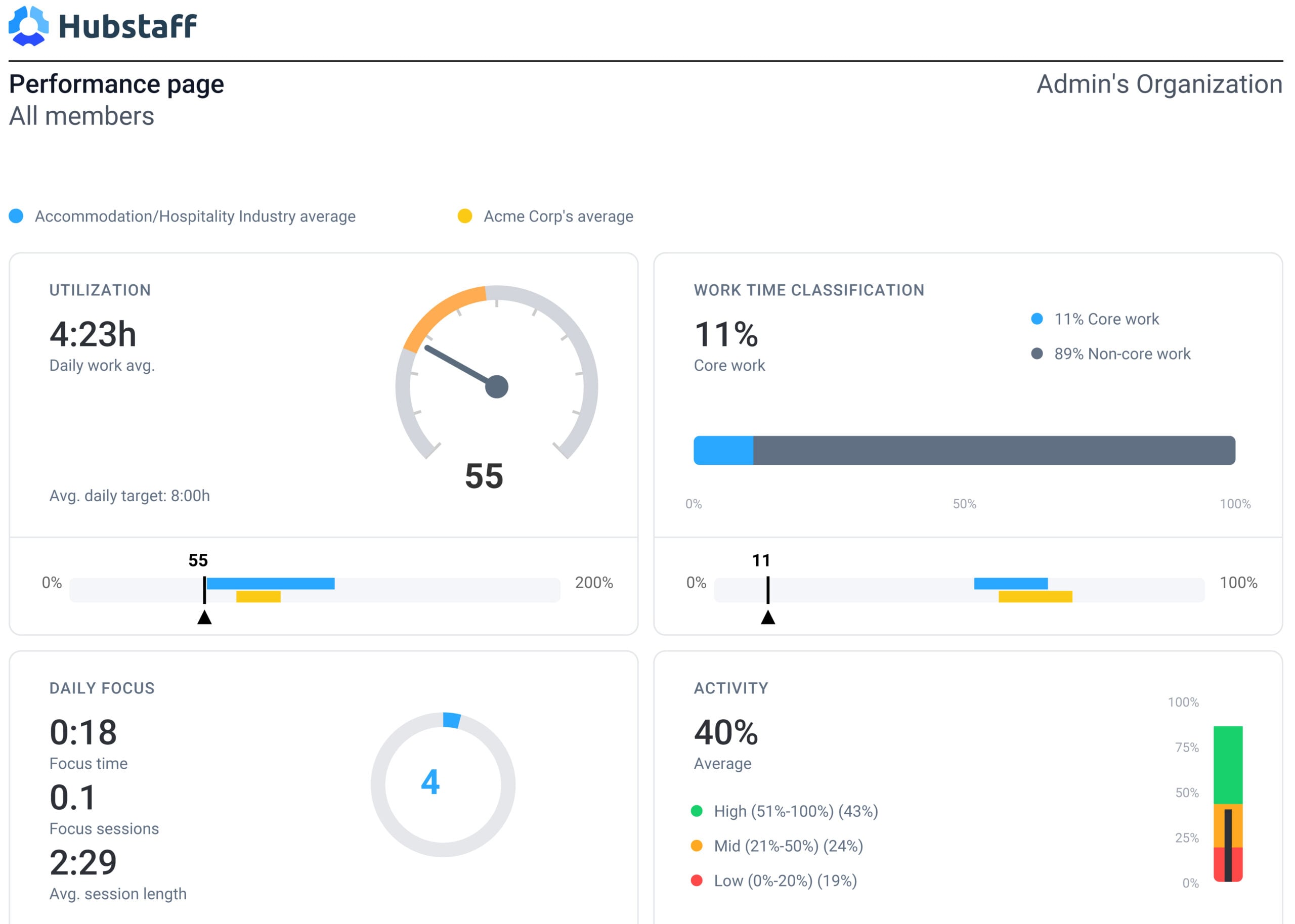
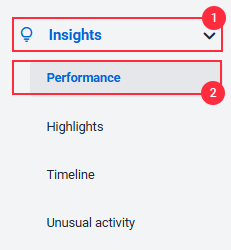
To export the Performance Report, you’ll navigate to Insights > Performance from the left sidebar. Use the filters at the top of the page to narrow the report by individual member, all members, or a specific team. The date range can also be adjusted from the default view
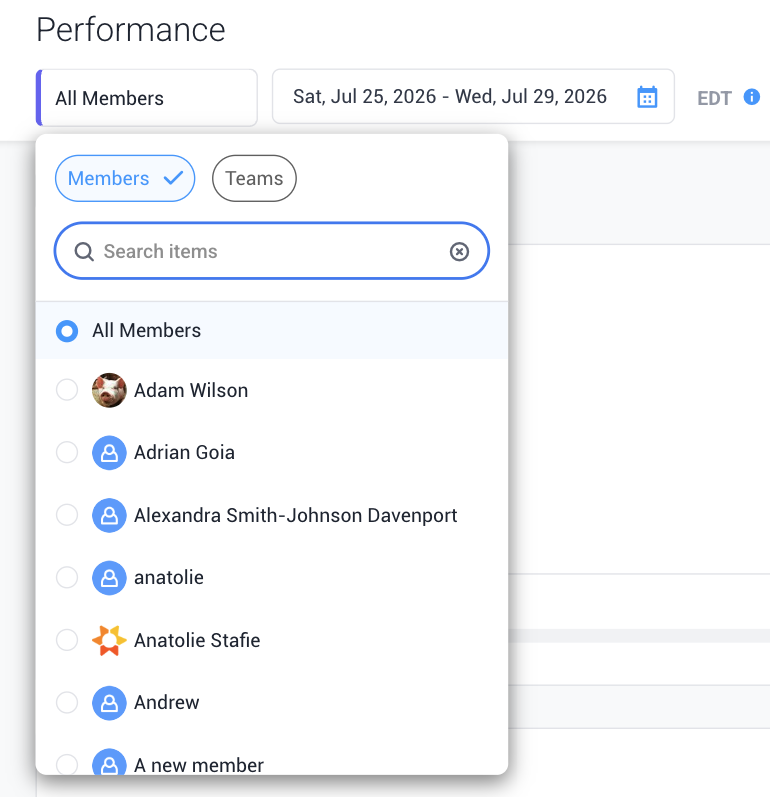
Step 2
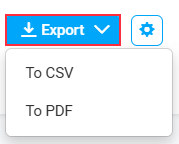
Click Export and choose your preferred format:
CSV — best for further data analysis or importing into a spreadsheet
PDF — best for sharing or presenting the report as-is
The CSV file will include the following columns:
- Member
- Employee ID
- Hubstaff ID
- Date
- Start time
- End time
- Worked hours
- Worked hours %
- Idle time
- Idle time %
- Activity %
- Focus time
- Focus time %
- Meetings time
- Meetings time %
- Core work
- Core work %
- Non-core work
- Non-core work %
- Unproductive
- Unproductive %
- Top 10 apps
- Top 10 URLs