7 minutes
Enterprise Software Deployment
Hubstaff makes it easy for you and your security team to install, manage, and monitor software deployment installation within your enterprise.
For a complete deployment hub including guides, troubleshooting, and advanced configuration, visit the Silent App Deployment Center.
Users with the Manage IT permission can manage silent app setup and deployment without needing Manager-level access to the full organization.
What is enterprise deployment?
Enterprise deployment allows large-scale businesses to manage software deployment in their organization. This provides security/IT teams flexibility to be able to configure software permissions, installations, uninstallations, and updates easily within the company’s MDM or multi-device management ecosystem. Enterprise customers have the ability to deploy both the standard Hubstaff Desktop Application or the Hubstaff Silent application. For software to be compatible for enterprise deployment, Hubstaff provides a redistributable version of our app.
The Silent application features include –
- Auto start/stop time tracking for company devices – allows corporate customers to automatically track time either based on schedules or activity.
- Account provisioning – lets customers create single or bulk user accounts and set passwords. MDM or mass deployment is only available on Enterprise plans
- Download the Silent App – installing the silent app lets you automatically start/stop user activity tracking.
- Ignored Usernames — Define OS username patterns to prevent IT admin and service accounts from being auto-provisioned as Hubstaff members.
Enterprise deployment features
In the redistributable version, system administrators can:
- Use an installer that is compatible with popular MDM software.
- Prevent auto-updates from occurring.
- Prevent users from invoking an update manually.
- Provide a secure, authenticated method for providing new updates to enterprise IT staff.
Downloading the redistributable version of the Hubstaff application
To download our redistributable application versions:
Step 1
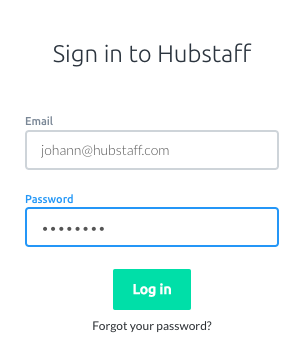
Log-in to your Hubstaff account. Only authenticated/logged-in users on the Enterprise plan will be able to access the enterprise download page.
Step 2
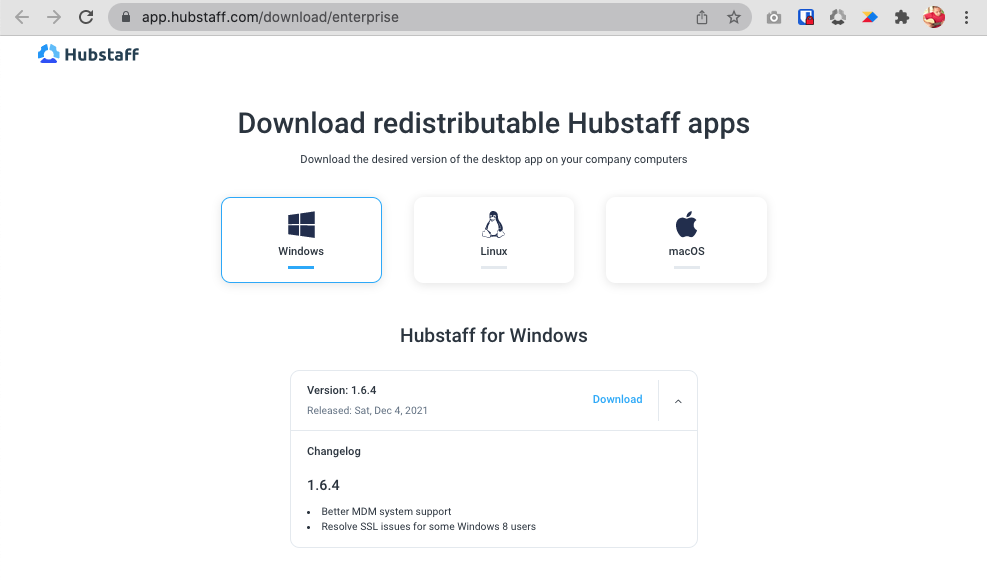
Please make sure to whitelist the hostnames in this article to avoid any potential issues.