2 minutes
Signing out of the Chromebook timer and Chrome timer browser extension
Here are the steps on how to sign out of the Hubstaff Chromebook timer and Chrome timer browser extension:
Step 1
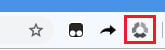
Click on the extension icon next to your browser’s address bar.
Step 2
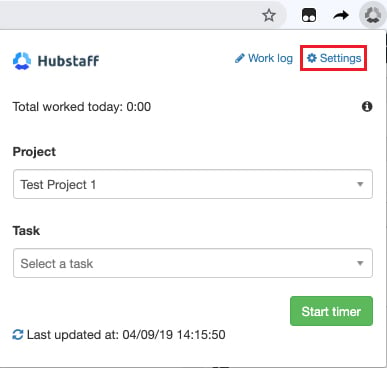
Click the Settings link.
Step 3
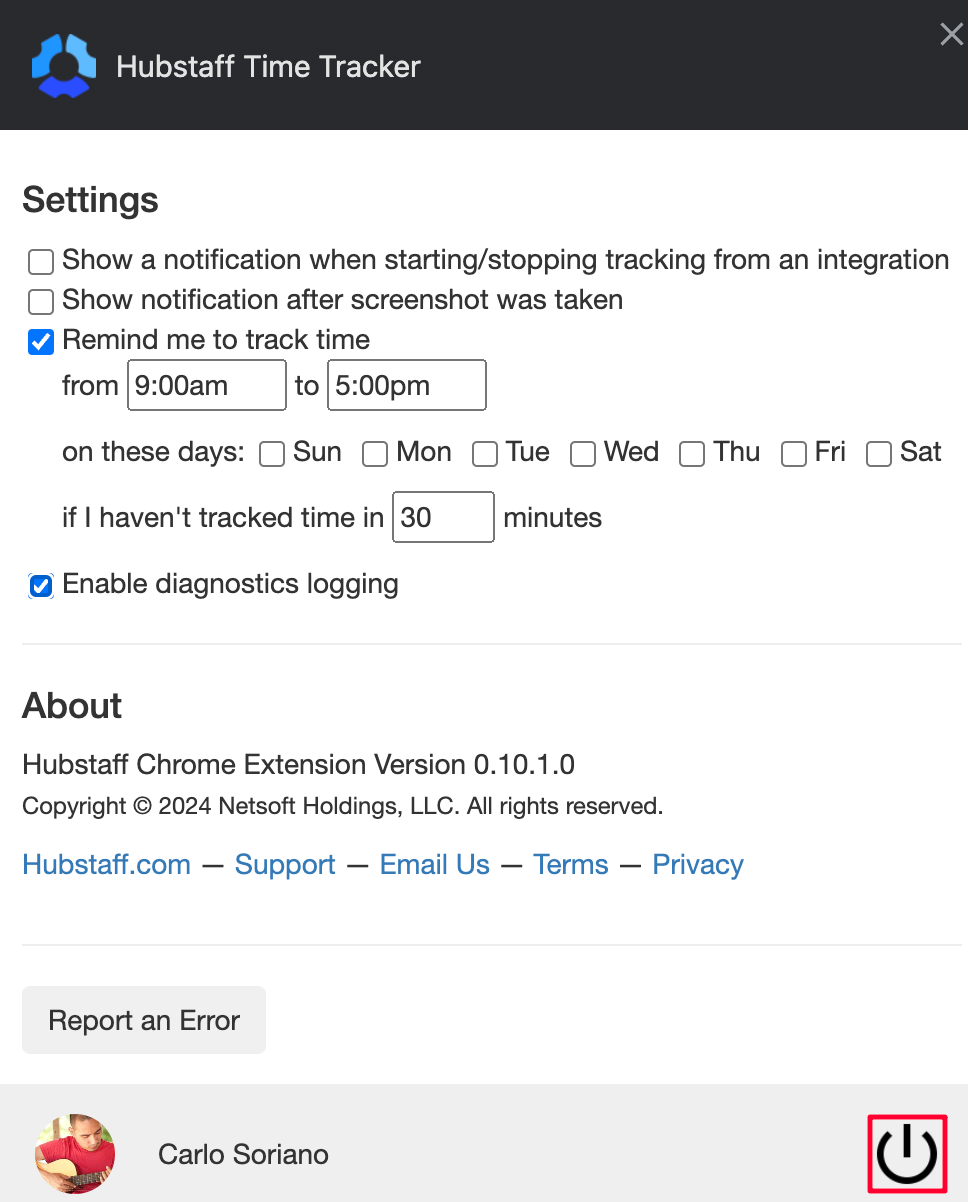
Click on the power button to sign out of Hubstaff.