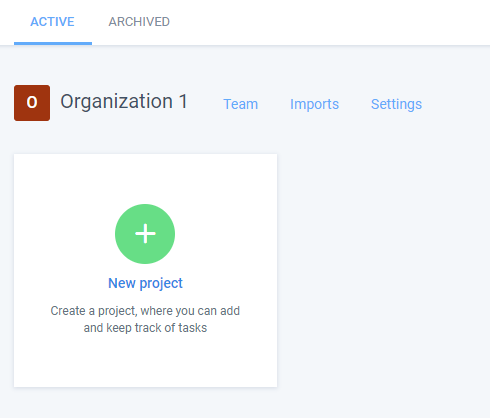
If you have an organization on Hubstaff Tasks that were previously archived, you can always go in and restore it to continue using it.
Step 1
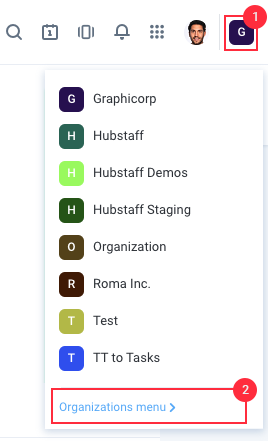
Click on the organization name located on the top-right of the page, then select Organizations menu.
Step 2
Click on the ARCHIVED tab, then click the Restore button next to the organization you wish to reactivate.
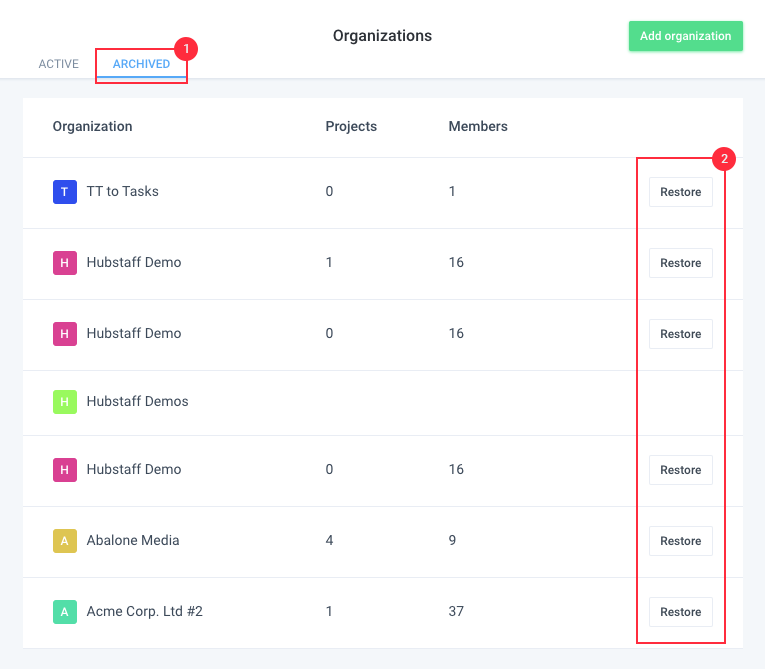
Once you click on the ‘Restore’ button, you will see a notification stating that the selected organization was activated.

Step 3
You can now use the active organization to create Projects on Hubstaff Tasks.